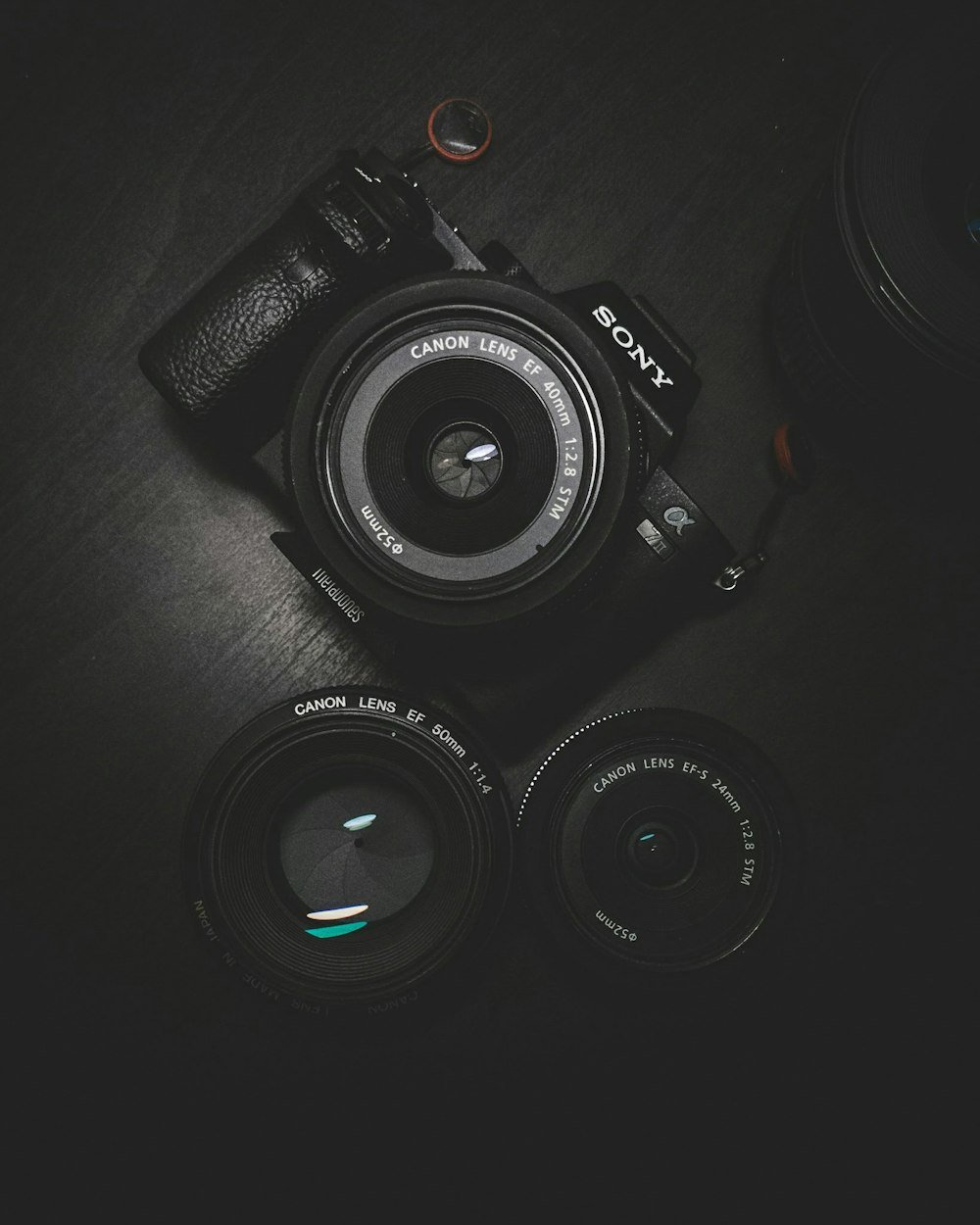
Frame rate (frames per second, or FPS) establishes the temporal cadence of your video footage. Choosing the wrong frame rate can make a serious cinematic short look like a cheap soap opera, or cause fast-action sports footage to stutter during social media transcoding.
The 180-Degree Shutter Angle Rule
Human vision experiences fast movement as natural motion blur rather than a strobe of frozen frames. In professional cinematography, the standard convention is the 180-degree shutter rule: your shutter speed should always be set to double your frame rate.
- 24 FPS (Shutter 1/50s): Provides the organic, filmic motion blur our eyes associate with classic cinema. Best for cinematic storytelling, narrative skits, and brand commercials.
- 30 FPS (Shutter 1/60s): The traditional broadcast television standard. Offers sharper motion definition without feeling unnatural. Ideal for talking-head vlogs, tutorials, and product demonstrations.
- 60 FPS (Shutter 1/120s): Cuts motion blur in half, delivering ultra-fluid clarity. Perfect for gameplay captures, high-speed sports, and fast dance choreography.
Avoid AI Frame Interpolation:
Never use software tools to artificially convert 24fps video into 60fps for social media. Optical flow interpolation algorithms frequently introduce warping artifacts and digital ghosting around moving hands and faces. Always film and upload in your camera's native frame rate.
Ready to download or archive Facebook video in 4K?
Experience unthrottled downloads, high fidelity audio conversion, and batch processing directly from Meta CDNs with FB4KDownloader.
Open FB4KDownloader Home